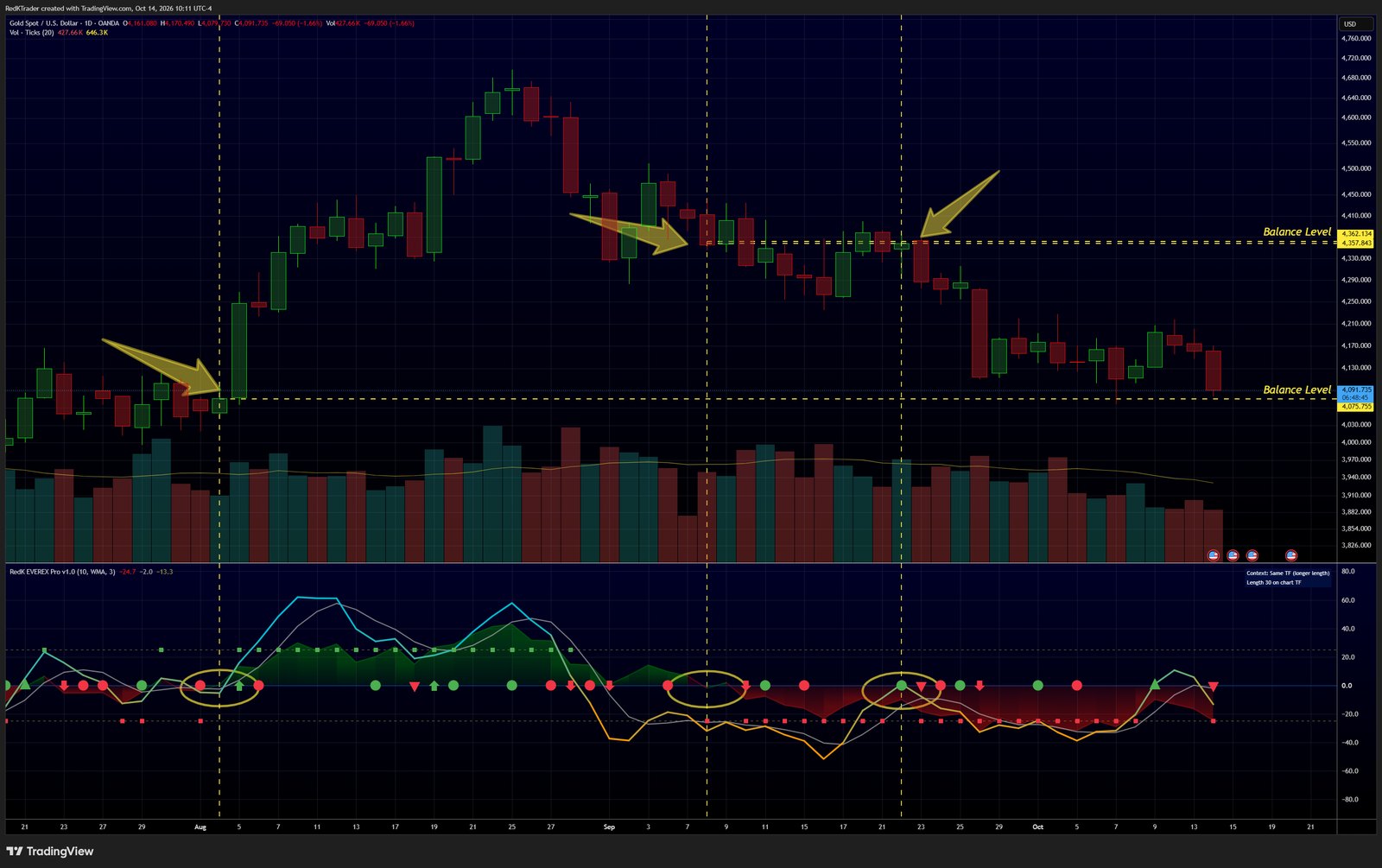
- Find baseline intersection and reversal points - both main plot and Context.
- Project the intersection up to price chart.
- Test with other timeframes.
Learn more in the EVEREX Pro release notes on TradingView.
Follow RedKTrader on TradingView and on X to receive frequent Free & Pro indicator tips as they are published.
Research only - no investment or trading advice. This tip describes how to read an indicator; it is not a trade recommendation.