How to add an invite-only indicator
Find a Pro indicator in TradingView after your access is granted, add it to a chart and save your settings.
Guides
How to set up and read each indicator. Step-by-step user guides (PDF) for the Pro Toolbox indicators are in the free RedK Learning Library. The full release notes for every indicator are published on TradingView.
Find a Pro indicator in TradingView after your access is granted, add it to a chart and save your settings.
Which column and filter finds each EVEREX setup in TradingView’s Pine Screener, with four ready-made scans.
User guides
The user guide for each Pro indicator, as a PDF, in the free RedK Learning Library.
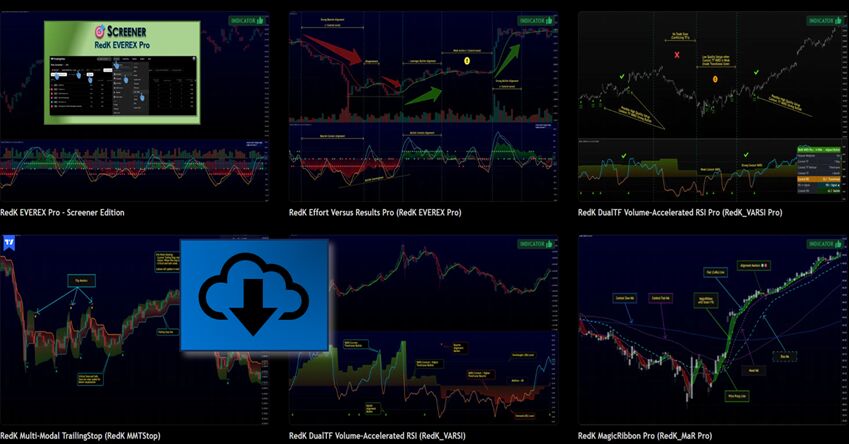
Each link opens the script’s page on TradingView, with the full description, settings and examples.
| Indicator | What it reads | Release notes |
|---|---|---|
| EVEREX Pro | Effort versus results, from Wyckoff and volume-price analysis, with a higher-timeframe Context. | Open on TradingView |
| VADER Pro | The buying and selling energy behind each move, from price displacement and volume, with a higher-timeframe Context. | Open on TradingView |
| TPX Pro | Buyer versus seller pressure, read from how each price bar forms, with Pine Screener support. | Open on TradingView |
| VARSI Pro | An RSI that gives more weight to moves backed by volume, on two timeframes, with an Info Panel, 5-mode classification and graded alignment. | Open on TradingView |
| MagicRibbon Pro | Trend and momentum on two timeframes in one ribbon, and whether they agree. | Open on TradingView |
| EVEREX Pro Screener | Scan a whole watchlist for EVEREX setups in TradingView’s Pine Screener. | Open on TradingView |
Free indicators (VADER, EVEREX, TPX, VARSI, CoRa WAve, SALMA, MMTStop, i-Amp and more) can be found on the RedKTrader TradingView profile.