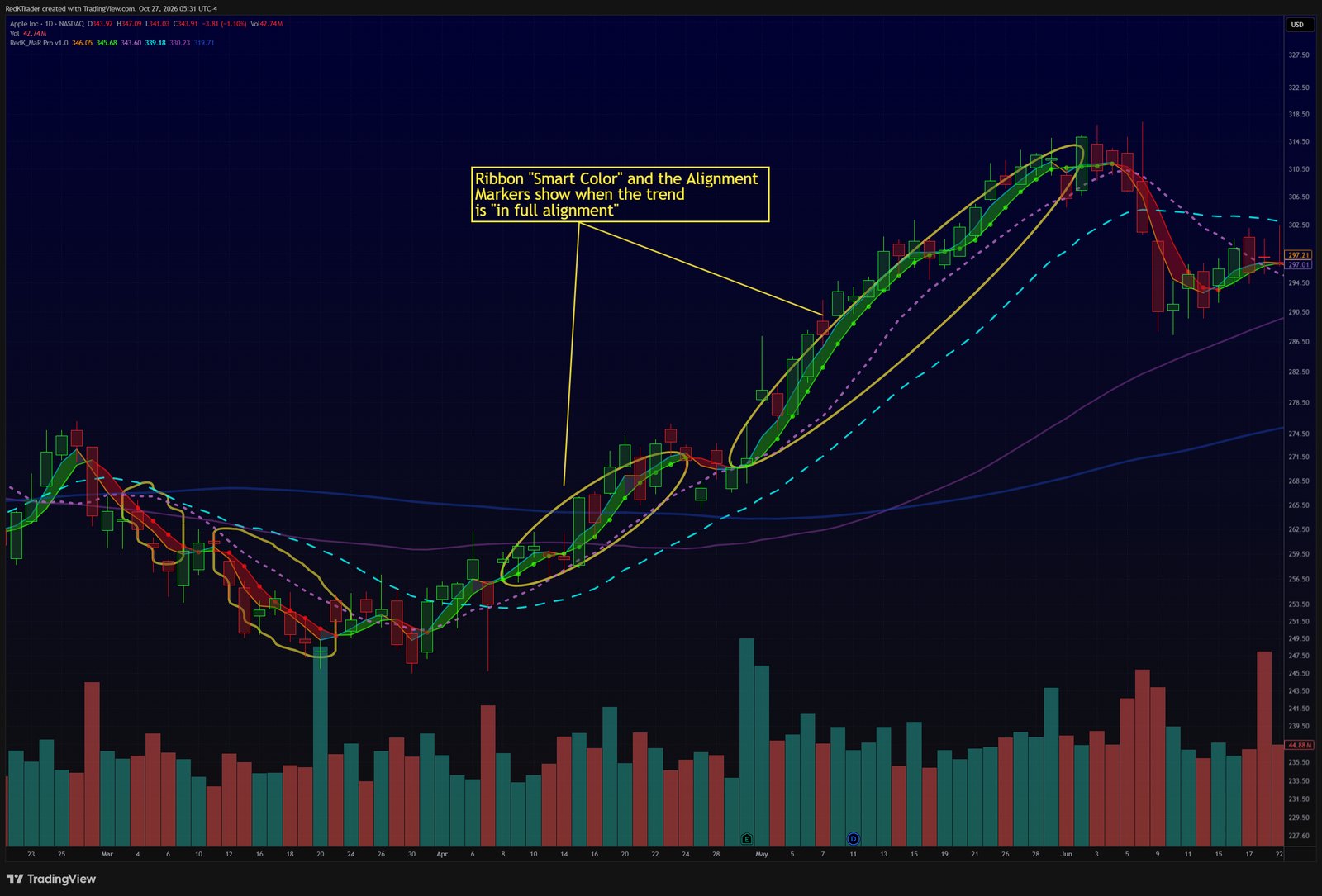
- Read the ribbon's "Smart Fill" and Proxy Line direction.
- Check the Alignment Markers for the Mood/Bias stack. They show as Green / Red beads.
- Confirm price vs the Context pair - all 5 MA lines stacked = full alignment across timeframes.
Learn more in the MagicRibbon Pro release notes on TradingView.
Follow RedKTrader on TradingView and on X to receive frequent Free & Pro indicator tips as they are published.
Research only - no investment or trading advice. This tip describes how to read an indicator; it is not a trade recommendation.