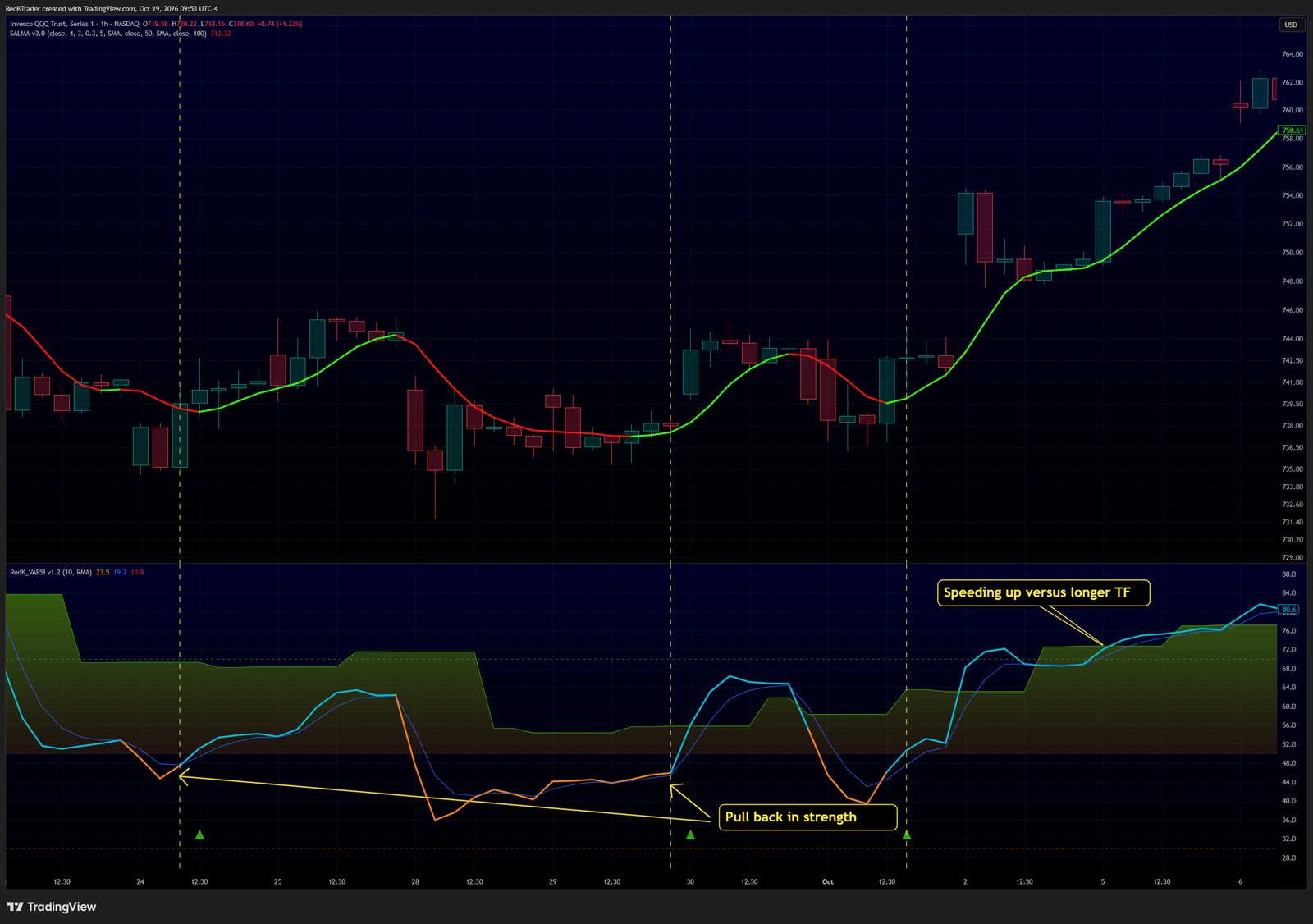
- Set a Context multiplier and enable Alignment Markers.
- Find both plots on one side of the midline.
- Watch the main line dip while Context holds. The pullback ends when the main line recovers.
Learn more in the VARSI release notes on TradingView.
Follow RedKTrader on TradingView and on X to receive frequent Free & Pro indicator tips as they are published.
Research only - no investment or trading advice. This tip describes how to read an indicator; it is not a trade recommendation.